
Building a good gaming setup does not mean buying the most expensive keyboard, mouse and headset available. For most players, the better approach is to spend on features that actually affect daily use: a comfortable keyboard layout, a reliable mouse sensor, clear headset audio and enough mousepad space for consistent movement. This guide highlights some of the strongest budget options currently available in the ProPlay gaming accessories collection.
Quick picks
| Category | Budget Pick | Step-Up Pick |
|---|---|---|
| Keyboard | Hommo 67+ | Ajazz NK68 |
| Mouse | Attack Shark R1 | Attack Shark X3 Pro |
| Headset | EKSA E1000 WT | HyperX Cloud Flight |
| Mousepad | AUKEY KM-P3 XXL | — |
Best budget gaming keyboards
For a budget keyboard, the goal should be simple: get a proper mechanical board with a usable layout, useful customization and no unnecessary premium features.
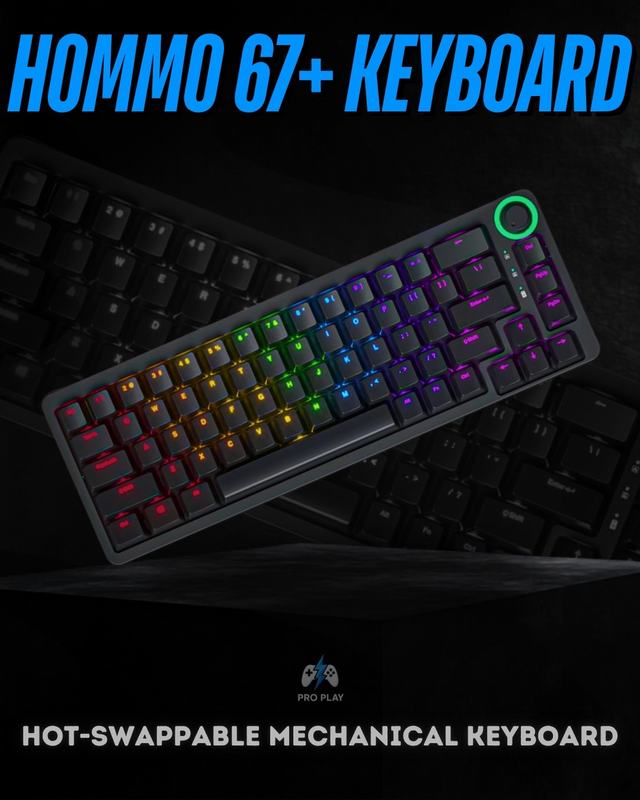
Hommo 67+ — best affordable 65% option
The Hommo 67+ Mechanical Keyboard is one of the easiest budget recommendations in the current catalogue. Its 65% layout saves desk space while still keeping dedicated arrow keys, which makes it easier to live with than many 60% boards. It also includes hot-swappable switch support, RGB with side-profile lighting, a built-in rotary control knob and detachable USB-C connectivity. At around Rs. 5,500, it delivers the main features most buyers look for in a modern compact mechanical keyboard without pushing into premium pricing.
Ajazz NK68 — better build and customization
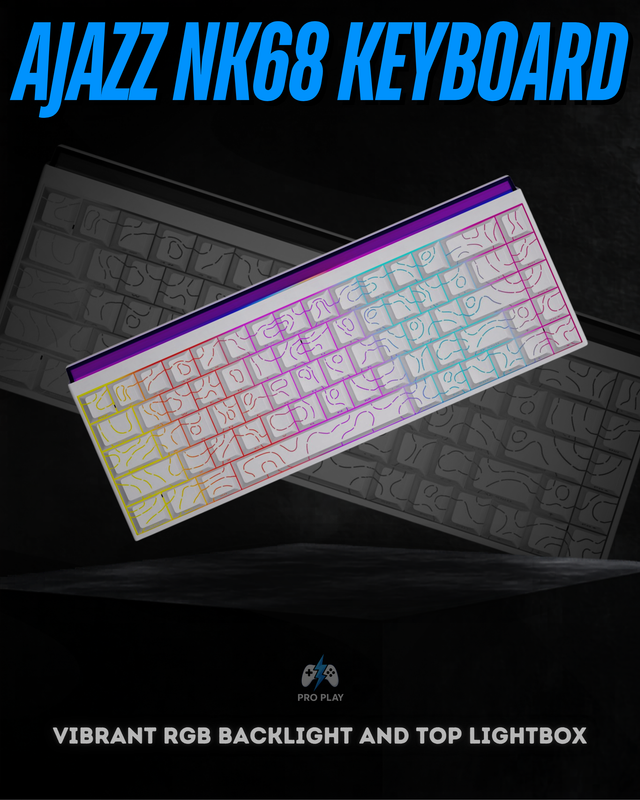
For someone willing to spend a little more, the Ajazz NK68 is the stronger step-up option. It uses a 68-key 65% layout, supports hot-swappable mechanical switches and full N-Key Rollover, and combines RGB lighting with shine-through keycaps and a distinctive front lightbox. The NK68 is wired rather than wireless, but that can be an advantage for a fixed gaming setup because USB-C keeps the connection simple and consistent.
If you are unsure which keyboard size suits you, our 75% vs 65% vs 60% keyboard guide explains the layout differences in more detail.
Best budget gaming mice
A gaming mouse is one area where spending intelligently matters more than simply choosing the highest DPI number. Sensor quality, weight, shape and connection stability usually matter more.
Attack Shark R1 — best value wireless mouse
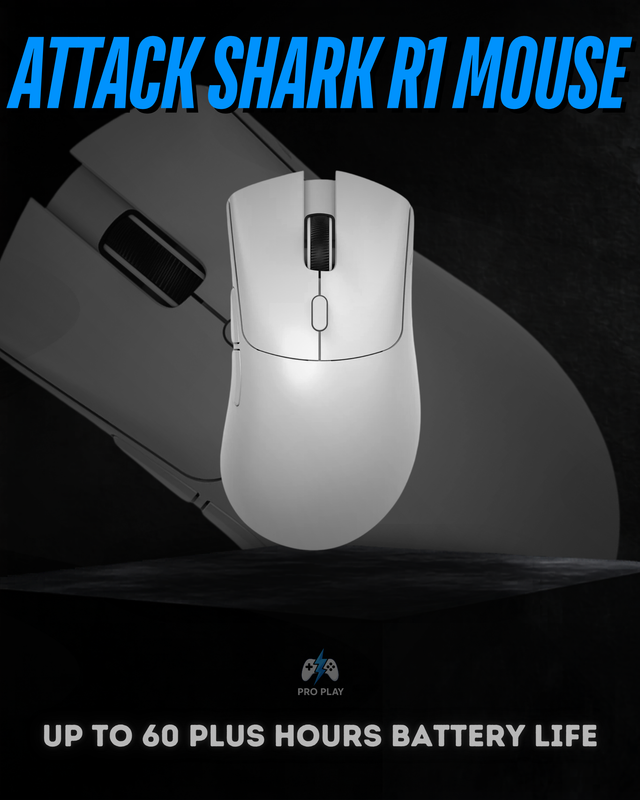
The Attack Shark R1 is a strong starting point at around Rs. 6,000. It weighs approximately 59g and uses the PixArt PAW3311 sensor, supporting up to 18,000 DPI and a polling rate up to 1000Hz. It also offers 2.4GHz wireless, Bluetooth 5.2, wired USB-C, up to 65 hours of stated battery life and driver customization. That combination makes it suitable for someone who wants a lightweight wireless gaming mouse without paying premium esports-mouse prices.
Attack Shark X3 Pro — the performance upgrade
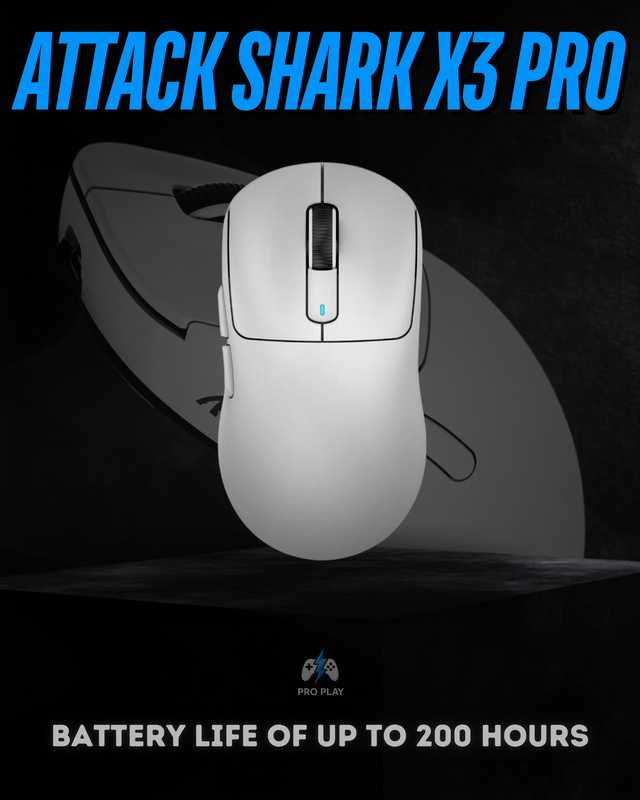
If competitive FPS performance matters more, the Attack Shark X3 Pro is the more serious option. It moves up to the PixArt PAW3395, reaches up to 26,000 DPI and supports higher polling-rate operation with the included high-rate receiver. It remains approximately 59g, so the upgrade is mainly about the sensor and performance platform rather than adding unnecessary weight.
The R1 is the better strict-budget purchase. The X3 Pro makes more sense for players willing to spend extra for stronger competitive specifications. You can also read our gaming mouse sensor guide if you want to understand the practical difference between sensors such as PAW3311 and PAW3395.
Best budget gaming headsets
A budget headset should prioritize three things: clear positional audio, a usable microphone and comfort during longer sessions. RGB should come after those basics.
EKSA E1000 WT — strong wireless value
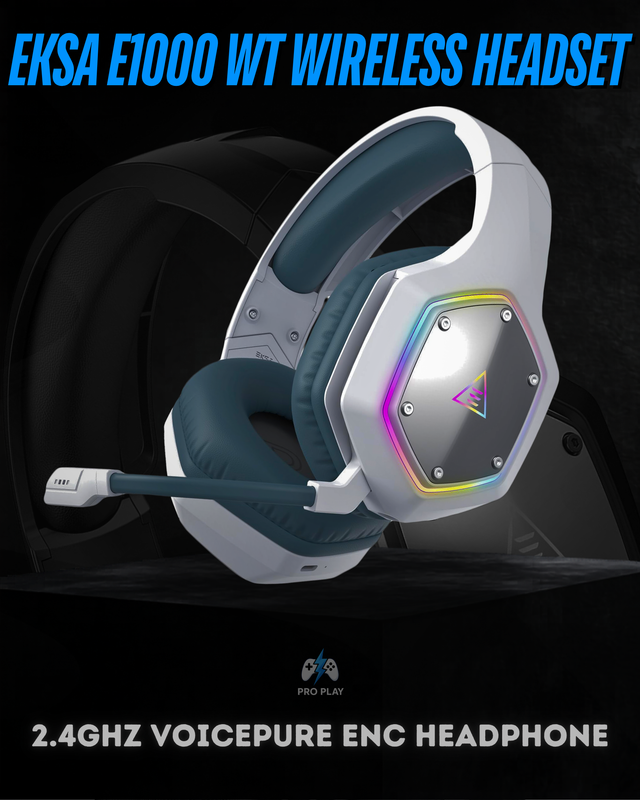
The EKSA E1000 WT Wireless Headset is a strong option around Rs. 6,000. It combines low-latency 2.4GHz wireless, 50mm drivers, virtual 7.1 surround sound, a VoicePure ENC microphone and up to 36 hours of stated battery life. For someone building a wireless gaming setup on a budget, that is a strong feature set.
HyperX Cloud Flight — a familiar alternative
At a similar price, the HyperX Cloud Flight is another option worth considering. It uses 2.4GHz wireless, 50mm directional drivers and a detachable noise-cancelling microphone, with battery life listed at up to 30 hours when LED effects are disabled. Choose the EKSA E1000 WT if features such as virtual surround and ENC are the priority; consider the Cloud Flight if you prefer the HyperX design, detachable microphone and compatibility profile.
For competitive shooters, our guide on what makes a gaming headset good for FPS games goes deeper into positional audio, microphone quality and comfort.
Do not ignore the mousepad
The mousepad is often the cheapest part of the setup, but it affects how much usable movement space your mouse actually has.
AUKEY KM-P3 XXL
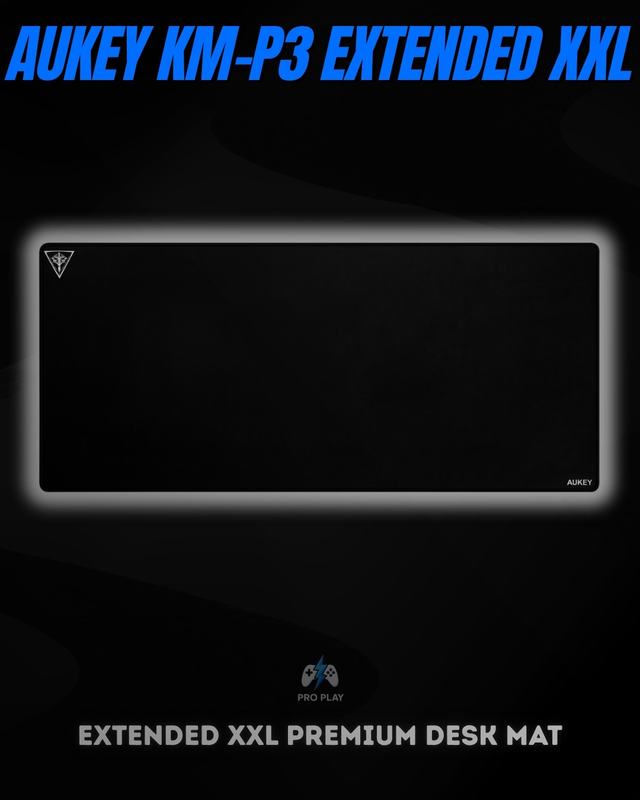
The AUKEY KM-P3 Extended XXL Desk Mat measures 900 × 400 × 4mm, giving enough space for both a keyboard and wide mouse movement. It also includes stitched edges, a non-slip rubber base and a water-resistant fabric/neoprene surface. At around Rs. 2,500, it is an inexpensive way to complete a gaming desk without using a small mousepad that restricts low-sensitivity movement.
Which budget setup should you build?
| Setup | Keyboard | Mouse | Headset | Mousepad |
|---|---|---|---|---|
| Maximum value | Hommo 67+ | Attack Shark R1 | EKSA E1000 WT | AUKEY KM-P3 |
| Better competitive setup | Ajazz NK68 | Attack Shark X3 Pro | EKSA E1000 WT | AUKEY KM-P3 |
The first setup keeps spending controlled while still giving you a mechanical keyboard, lightweight wireless mouse, wireless gaming headset and full-size desk mat. The second spends more where competitive players are more likely to notice it, particularly the mouse.
Final advice
Do not build a budget gaming setup by buying the cheapest item in every category. Spend enough to get the fundamentals right: a keyboard layout you can actually use, a reliable sensor and comfortable mouse weight, clear headset audio and microphone quality, and enough mousepad space for your sensitivity. After those basics are covered, features such as extreme polling rates, displays and premium materials become optional upgrades rather than necessities.
Browse the current gaming accessories collection to compare available keyboards, mice, headsets and other peripherals.