
Buying a gaming keyboard sounds simple until you actually start comparing options — mechanical or hall effect, 60% or TKL, hot-swappable or not, 8,000Hz polling or does that even matter. Most buying guides either drown you in spec-sheet jargon or skip straight to "just buy this one." This guide does neither. It walks through what each factor actually does to your gaming experience, so you can decide for yourself what's worth paying for and what's marketing noise — then points you to keyboards in Pakistan that match what you actually need.
 View Attack Shark R85 HE
Why keyboard choice matters more than people think
A keyboard is the only piece of gaming hardware your fingers touch thousands of times per minute during an intense match. A mismatch between how you play and what your keyboard does — wrong layout cramping your mouse arm, switches that don't reset fast enough for counter-strafing, a board that physically can't register the key combination you just pressed — shows up as missed inputs, not as a feeling of "this keyboard is bad." Most people never trace input problems back to the keyboard because it's invisible until you've used something better.
That said, not every gamer needs the same thing. A casual single-player gamer and a competitive Valorant player have genuinely different requirements, and this guide will help you tell which one you are.
Switch types: what's actually happening under each key
This is the single biggest factor in how a keyboard feels and performs, so it's worth understanding properly rather than just picking a name off a spec sheet.
| Switch type | How it works | Strengths | Trade-offs | Best for |
|---|---|---|---|---|
| Membrane | A rubber dome presses onto a circuit layer. | Quiet, inexpensive, familiar for everyday use. | Less consistent actuation; rubber domes wear and feel less precise. | Casual gaming, office use, and strict budgets. |
| Mechanical | Each key has its own spring-and-contact switch. | Consistent feel, long lifespan, and many switch choices. | Usually costs more and can be louder. | Most gamers who want a durable, responsive all-rounder. |
| Hall effect | A magnet and sensor measure the exact depth of every press. | Adjustable actuation, Rapid Trigger, and no metal contact wear. | Higher price; its advantages matter most in competitive play. | Competitive FPS players who will use its advanced controls. |
- Linear: Smooth travel with no bump or click. Suits fast repeated inputs and is popular for competitive gaming.
- Tactile: A small bump confirms the key has actuated without requiring you to bottom out. A balanced choice for gaming and typing.
- Clicky: A tactile bump plus an audible click. Satisfying for some users, but usually unsuitable for shared rooms or quiet setups.
- Adjustable actuation: Choose how far a key travels before registering. Shallow settings favour fast movement inputs; deeper settings help prevent accidental presses.
- Rapid Trigger: The key resets as soon as it begins moving upward, enabling faster repeated movement and cleaner counter-strafing in games such as Valorant and CS2.
- Who benefits most: Serious competitive FPS players. Casual and mixed-genre players can still get excellent results from a good mechanical keyboard for less.
So which one do you actually need? If you play competitive FPS titles seriously and want every input advantage available, hall effect with Rapid Trigger is worth the extra cost. If you play casually, enjoy a variety of game genres, or simply prefer the feel and sound of a "real" mechanical switch, a good linear or tactile mechanical board will serve you just as well for a lower price — the switch type alone won't make or break your rank. You can browse both types in ProPlay's keyboard collection and compare the current Attack Shark keyboards, Ajazz keyboards, and AULA keyboards before deciding.
Layout size: the space-versus-functionality trade-off
Keyboard layouts are named by roughly how much of a full-size keyboard's key count they keep. Going smaller isn't just about aesthetics — it directly changes how much desk space is left for your mouse to move, which matters more than people expect once you actually measure it.
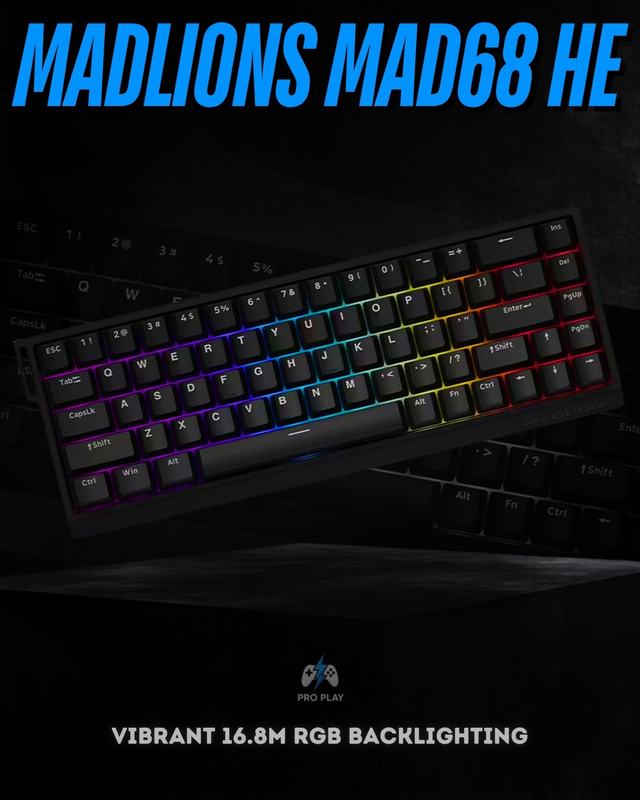
| Layout | Keys kept | What you give up | Best for |
|---|---|---|---|
| Full-size | Everything, including numpad | Nothing | Office work, spreadsheets, anyone who genuinely uses a numpad |
| TKL (Tenkeyless) | Everything except numpad | Numpad only | Gamers who still want function keys and full navigation cluster |
| 75% | Function row, arrow keys, compressed nav cluster | Some spacing between clusters | A strong all-rounder — most of TKL's function in a smaller footprint |
| 65% | Arrow keys, a few nav keys | Function row, numpad | Gamers who want compact size but refuse to give up arrow keys |
| 60% | Core alphanumeric block only | Arrow keys, function row, numpad (moved to Fn-layer shortcuts) | Competitive gaming with maximum mouse space; requires a short learning curve |
The genuinely important question to ask yourself isn't "which is coolest" — it's do you use arrow keys or function keys regularly, even outside games? If the answer is yes (browsing, coding, spreadsheet work, alt-tabbing with F-keys), a 60% board will frustrate you daily through Fn-layer shortcuts. If you mainly use your PC for gaming and don't mind a short adjustment period, 60% gives you the most physical mouse-arm room, which does translate to smoother wide swipes at low sensitivity.
The features that matter less than the marketing suggests — and a few that matter more
| Feature | Priority | What it means when buying |
|---|---|---|
| Polling rate above 1,000Hz | Usually low | 1,000Hz already reports every millisecond. Do not pay a large premium for 4,000Hz or 8,000Hz alone. |
| Anti-ghosting / NKRO | High | Ensures simultaneous movement and ability keys register correctly. This affects real gameplay. |
| Hot-swappable sockets | Medium | Useful if you may change compatible switches later without soldering. |
| PBT keycaps | Medium | Better long-term texture and wear resistance than cheaper ABS keycaps. |
| Wired / 2.4GHz / Bluetooth | Depends on use | Wired is safest for competitive play; 2.4GHz is strong for most gamers; Bluetooth prioritises convenience over latency. |
What you actually get at each price point in Pakistan
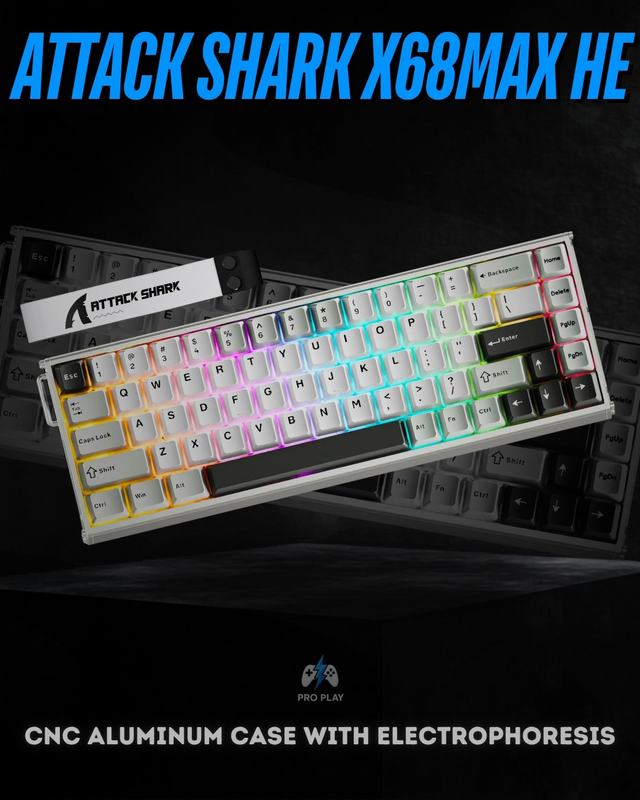
| Budget (PKR) | What to expect | Who it's for |
|---|---|---|
| Under 5,000 | Membrane or entry-level mechanical, basic switches, limited or no RGB | First PC gaming setup, casual/light use |
| 5,000 – 15,000 | Genuine mechanical switches, often hot-swappable, solid build quality | The sweet spot for most gamers — real performance without overpaying |
| 15,000 – 30,000 | Premium mechanical or entry-level hall effect, better materials, PBT keycaps common | Daily long-session gamers, streamers, anyone typing for work too |
| 30,000+ | Flagship hall effect with adjustable actuation, Rapid Trigger, top-tier build | Competitive FPS players who want every available edge |
A common mistake is overspending on a flagship board when a mid-tier mechanical keyboard would have covered everything you actually need — and the opposite mistake, buying the cheapest option and then upgrading twice within a year because it couldn't keep up. Matching your budget tier to how seriously and how often you actually game is the real skill here, not chasing the highest spec number available.
Quick recommendations by how you actually play
- Casual or story-mode gamer: A budget-to-mid mechanical keyboard, tactile or linear, in TKL or 75% so you keep full function-key access. No need for hall effect or extreme polling rates.
- Competitive FPS player (Valorant, CS2, similar): Hall effect with adjustable actuation and Rapid Trigger, in a 60% or 65% layout for maximum mouse space. This is the one scenario where paying for the premium features has a measurable payoff.
- MMO / strategy / productivity hybrid: Full-size or TKL mechanical with tactile switches, prioritizing a comfortable typing feel for long sessions and full access to function keys and (if you need it) a numpad.
- Content creator or streamer: A tactile or clicky mechanical board — the sound and feel translate well on stream — with PBT keycaps for long-term durability under daily heavy use.
Buying checklist before you order
- Match your switch type to how you actually play, not to what's trending — hall effect only pays off if you're playing competitively.
- Pick a layout based on whether you use arrow keys and function keys outside of games, not just how compact it looks.
- Confirm anti-ghosting / NKRO is listed — this affects real gameplay more than most marketed specs.
- Check hot-swap support if there's any chance you'll want to change switches later.
- Set your budget tier honestly based on how often and how seriously you game, not the highest number you can afford.
- Buy from a seller offering local warranty support and cash-on-delivery — see ProPlay's full keyboard range for in-stock, warranty-backed options across every category above.
If you're deciding between mechanical and hall effect in more depth, we cover the two technologies side by side in Hall Effect vs Mechanical Keyboards Explained. And if you're still torn between 60% and 65%, our layout comparison breaks down that decision specifically.