
A gaming mouse sensor is the part that tracks movement across your mousepad and converts it into cursor movement on screen. It matters—but not in the way marketing often suggests. A mouse with 42,000 DPI is not automatically better than one with 18,000 or 26,000 DPI. Shape, weight, wireless stability, polling rate and sensor implementation all matter alongside the sensor itself.
What does a better mouse sensor actually improve?
A stronger sensor can support higher maximum sensitivity, faster tracking speeds and more demanding high-polling implementations. But once a sensor already tracks reliably at the sensitivity and speed you use, the practical difference becomes smaller. That is why a well-shaped 59g mouse with a good mid-range sensor can be a better purchase than a flagship-sensor mouse that does not suit your hand.
- Tracking consistency: whether fast swipes are reported cleanly without unwanted acceleration or spin-outs.
- Maximum tracking capability: useful for very fast movement and high-performance competitive setups.
- DPI range: how sensitive the mouse can be configured, although most players use a small fraction of the advertised maximum.
- Polling compatibility: flagship mice often pair newer sensors with 4K or 8K report rates.
- Power efficiency: especially important in lightweight wireless mice where battery size is limited.
PAW3311 vs PAW3395 vs PAW3950: quick comparison
| Sensor tier | Examples in ProPlay catalogue | Typical role | Who it suits |
|---|---|---|---|
| PAW3311 | Attack Shark R1, X11, G3 / G3 Pro | Value and mainstream gaming | Most users, 1000Hz-class setups and buyers prioritizing price |
| PAW3395 | Attack Shark X3 Pro, X6, GravaStar Mercury M2 | High-performance gaming | Competitive players wanting stronger tracking and higher polling support |
| PAW3950 / PAW3950MAX | Attack Shark R2, R6, R5 Ultra, X11 Ultra | Flagship competitive tier | High-refresh esports setups, 4K/8K users and enthusiasts |
PAW3311: more capable than the price suggests
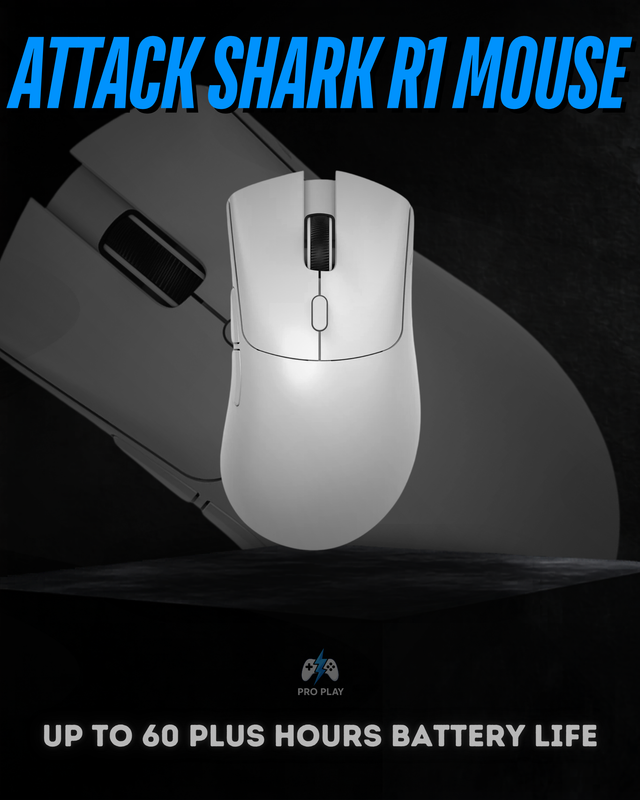
The PAW3311 appears in several affordable lightweight mice in our catalogue. The Attack Shark R1 pairs it with a 59g body and tri-mode connectivity, while the Attack Shark X11 uses the same sensor family but adds a magnetic charging dock. The Attack Shark G3 and G3 Pro also use PAW3311-class tracking.
 View Attack Shark R1
For most buyers, this level is already enough. If you play at 800–1600 DPI on a 144Hz or 165Hz monitor, a good PAW3311 implementation is unlikely to be the thing holding you back. Spending more makes sense when you also want lower weight, higher polling, a newer wireless platform or premium materials—not simply because another sensor has a larger maximum DPI figure.
PAW3395: the sweet spot for serious competitive gaming
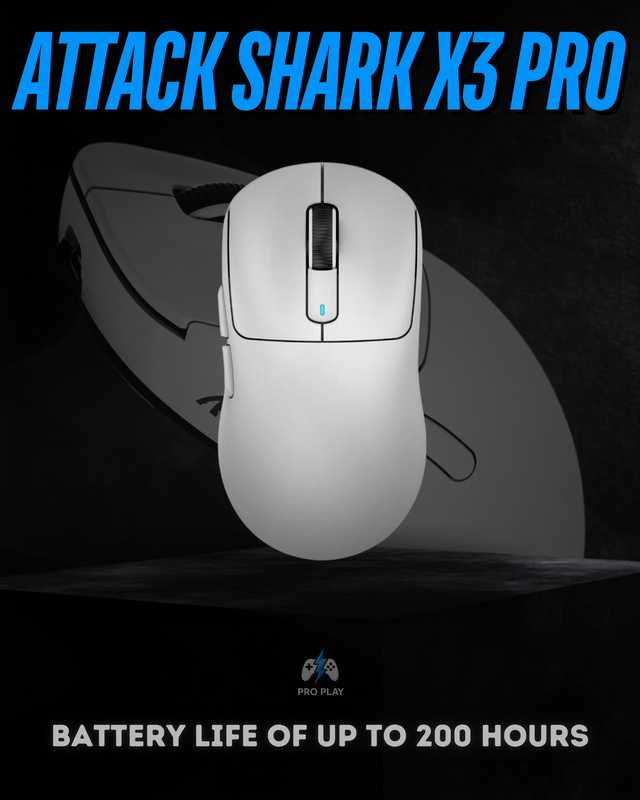
The PAW3395 is used in mice aimed more directly at performance-focused players. The Attack Shark X3 Pro combines it with a 59g body and higher polling support, while the Attack Shark X6 pairs PAW3395 tracking with a 49g shell and charging dock. The GravaStar Mercury M2 also uses PAW3395 in a very different, design-heavy chassis.
 View Attack Shark X3 Pro
PAW3950 and PAW3950MAX: flagship hardware for 8K-class mice
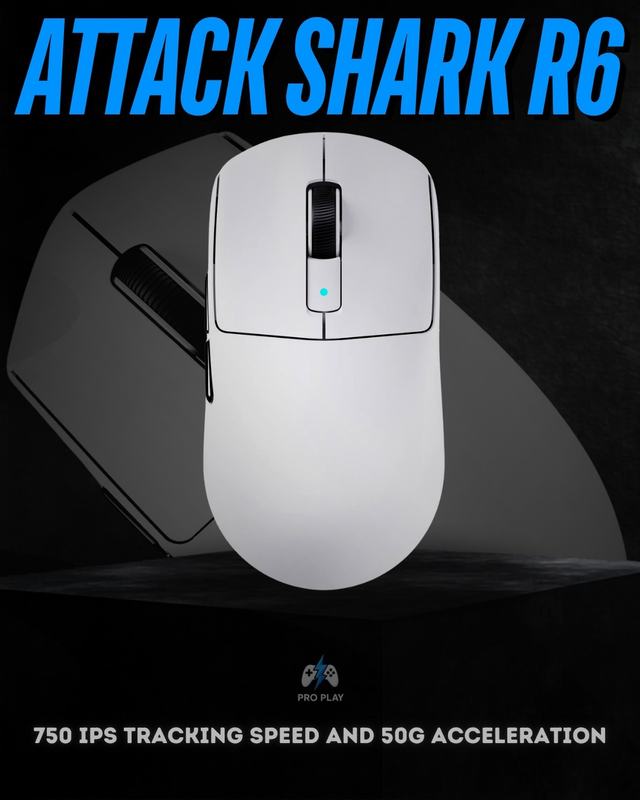
The PAW3950 generation sits in the flagship part of the current catalogue. The Attack Shark R2 uses PAW3950 with a magnesium-alloy chassis and 8K support. The Attack Shark R6 and Attack Shark R5 Ultra use PAW3950MAX-class sensors, very low-weight shells and up to 8000Hz polling in their current product specifications.
View Attack Shark R6This tier makes the most sense when the rest of the system can take advantage of it: a high-refresh monitor, high and stable frame rates, competitive games and a user who actually values 4K or 8K polling. On a normal productivity setup or lower-refresh display, the difference between a good PAW3395 mouse and a PAW3950MAX mouse may be much less noticeable than the difference in shape or weight.
Why maximum DPI is a poor way to choose a mouse
DPI tells you how far the cursor moves for a given physical movement, not how accurate you will become. Competitive players commonly use moderate DPI settings and adjust sensitivity inside the game. A sensor supporting 42,000 DPI therefore does not mean you should use 42,000 DPI—or that it will aim better than a 26,000 DPI sensor at your normal setting.
Choose the whole mouse, not just the sensor
- Start with shape and grip comfort. A flagship sensor cannot fix a mouse that does not suit your hand.
- Check weight. Low-sensitivity FPS players often benefit more from a lighter shell than from an extreme DPI ceiling.
- Match polling rate to your system. Read our 1000Hz vs 4000Hz vs 8000Hz polling rate guide before paying extra for 8K.
- For wireless gaming, use 2.4GHz rather than Bluetooth when low latency matters.
- Consider switches, battery, skates and build quality because they affect the experience every day.
Which sensor level should you buy?
| Your priority | Sensor level to start with | Example |
|---|---|---|
| Best value | PAW3311 | Attack Shark R1 |
| Competitive sweet spot | PAW3395 | Attack Shark X3 Pro |
| Flagship / 8K enthusiast | PAW3950MAX | Attack Shark R6 or R5 Ultra |
For most people, sensor choice should narrow the shortlist rather than decide the purchase by itself. If you want to compare current models, browse Attack Shark mice or read our Best Attack Shark Mouse in Pakistan guide. If you are deciding specifically between the R1, X11 and X3 Pro, see our X3 Pro vs X11 vs R1 comparison.