
A hot-swappable keyboard lets you remove and replace compatible switches without soldering. That sounds like an enthusiast-only feature, but it can be useful even if you never plan to build a custom keyboard. It makes switch experimentation easier, lets you replace a failed switch individually and gives the keyboard a much longer upgrade path.
What actually changes on a hot-swappable keyboard?
On a soldered keyboard, each switch is permanently attached to the PCB until it is desoldered. On a hot-swappable board, the PCB uses sockets that accept compatible switch pins. You pull the switch out with a switch puller, line up the replacement correctly and press it into the socket.
| Feature | Hot-swappable | Soldered |
|---|---|---|
| Replace one failed switch | Easy | Requires soldering |
| Try different switch types | Easy | Much more work |
| Beginner friendly | Yes | No |
| Socket compatibility matters | Yes | Less relevant after assembly |
| Best for | Upgrades, repair, experimentation | Users who never plan to change switches |
3-pin vs 5-pin switches: what should you look for?
Many modern hot-swap boards support both 3-pin and 5-pin MX-style switches. A 5-pin switch adds two plastic alignment legs around the central post, while a 3-pin switch omits them. A PCB that supports both gives you a wider switch choice. The Keychron V1, Attack Shark X66 and Attack Shark X820 Ultra all list broad hot-swap compatibility in their current product specifications.
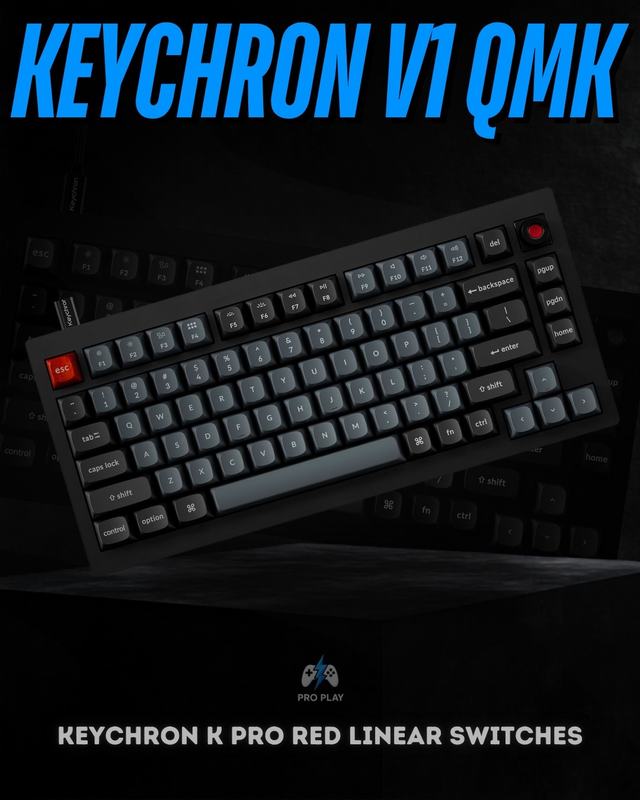 View Keychron V1
Why hot-swap is useful even if you are not a keyboard enthusiast
- Repair one bad key without replacing the whole keyboard.
- Try linear, tactile or clicky switches without buying a second board.
- Change only gaming keys such as WASD if you want a different feel there.
- Upgrade switches later while keeping the same case, keycaps and layout.
- Learn what switch weight and feel you actually prefer instead of guessing from specifications.
Good hot-swappable examples from the current catalogue
The AULA F75 is a strong all-round example with a 75% gasket-mounted layout and full hot-swap functionality. The Attack Shark K86 uses TTC E-Sport hot-swap sockets and combines them with tri-mode connectivity. For a smaller layout, the Tezarre TK63 Pro offers a compact 60% design with hot-swappable Gateron switches.
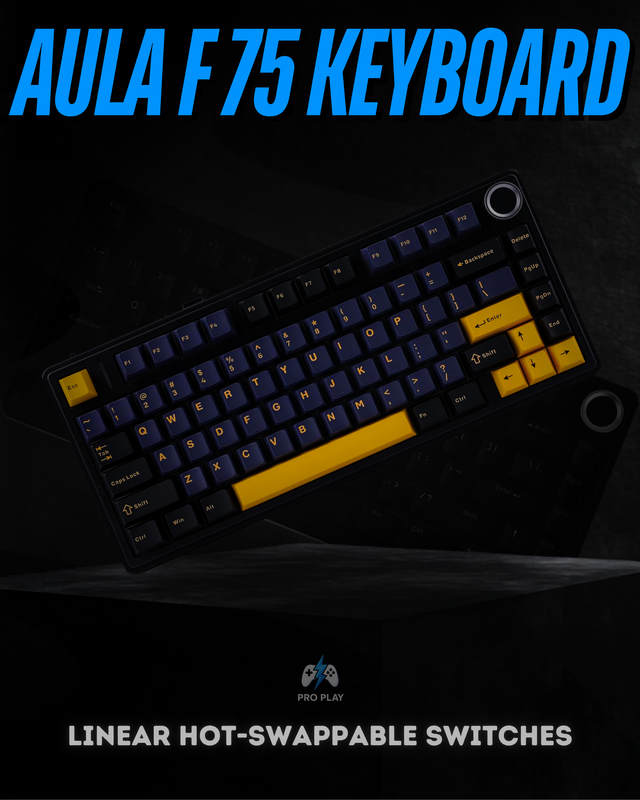 View AULA F75
Hot-swappable does not mean every switch will fit
When is hot-swap not important?
If you already know exactly which switch you want, never plan to modify the board and are buying a reliable fixed-switch keyboard at a much better price, hot-swap is not essential. It also does not make a keyboard faster by itself. For gaming performance, layout, switch behaviour, latency and—on Hall Effect boards—features such as Rapid Trigger may matter more.
If you are still choosing switch technology, read our Mechanical vs Hall Effect Keyboard guide. For a broader buying checklist, see How to Choose a Mechanical Keyboard, or browse current gaming keyboards, Attack Shark keyboards and AULA keyboards.