
Choosing the best Attack Shark mouse is not as simple as picking the model with the highest DPI. The right choice depends on your budget, preferred weight, sensor, polling rate, connectivity and whether you value extras such as a charging dock. ProPlay currently carries several Attack Shark mice, ranging from affordable lightweight wireless models to premium 8K competitive gaming mice. This guide breaks the range into practical buying categories so you can choose the model that actually suits the way you play.
Quick answer: which Attack Shark mouse should you buy?
| Use case | Recommended model | Why |
|---|---|---|
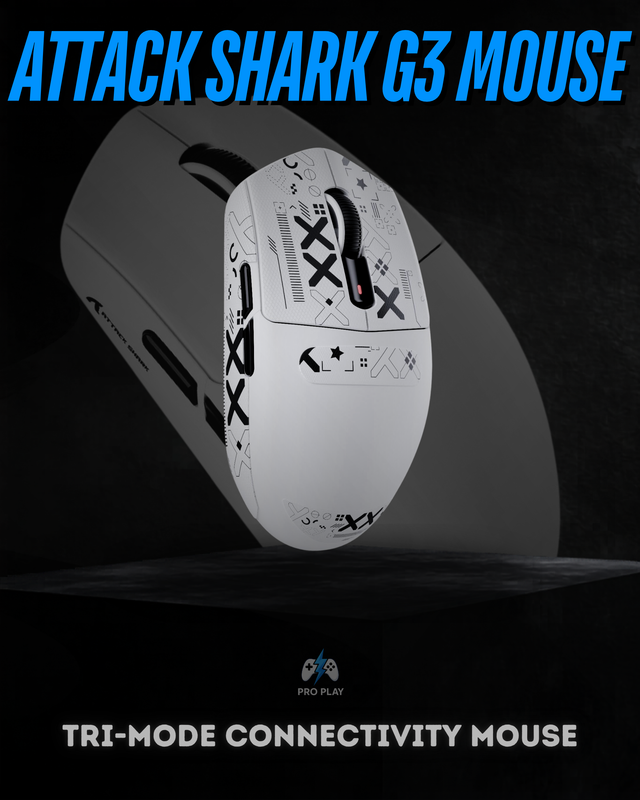
| Best value | Attack Shark R1 | 59g, tri-mode connectivity and PAW3311 sensor at an accessible price |
| Best overall value for competitive gaming | Attack Shark R6 | 39g, PAW3950MAX, up to 8000Hz wireless polling |
| Best premium lightweight option | Attack Shark R5 Ultra | 39g carbon-fiber construction, PAW3950MAX and 8K wireless |
| Best mid-range performance option | Attack Shark X3 Pro | PAW3395, 59g, up to 4000Hz wireless and 8000Hz wired |
| Best with charging dock | Attack Shark X11 | Magnetic RGB charging dock, tri-mode connectivity and 63g body |
| Best premium build | Attack Shark R2 | Magnesium-alloy chassis, PAW3950 and 8K wireless |
1. Attack Shark R6 — Best overall value for competitive gaming
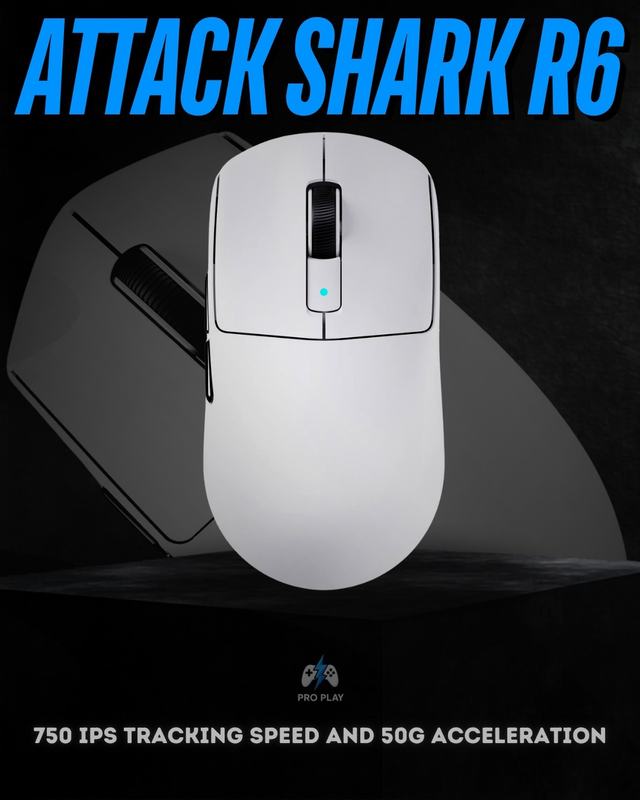
The Attack Shark R6 is the model we would look at first if competitive FPS performance matters most without immediately moving into the most expensive tier. Its biggest advantages are its approximately 39g weight, PixArt PAW3950MAX sensor and support for polling rates up to 8000Hz. Attack Shark also uses a Nordic 52840 chipset and Omron optical switches in this model. The extremely low weight makes rapid direction changes and large mouse movements easier, especially for players using lower sensitivities in games such as Valorant, CS2 or other competitive shooters. The important point is that 8000Hz alone does not automatically make someone a better player. The R6 makes sense because the high polling rate is combined with a modern sensor and very low weight.
- Best for competitive FPS players
- Very lightweight at around 39g
- Flagship-class PAW3950MAX sensor
- Up to 8000Hz polling
- Tri-mode wired, 2.4GHz and Bluetooth connectivity
- Strong choice if performance matters more than charging-dock aesthetics
2. Attack Shark R1 — Best budget choice
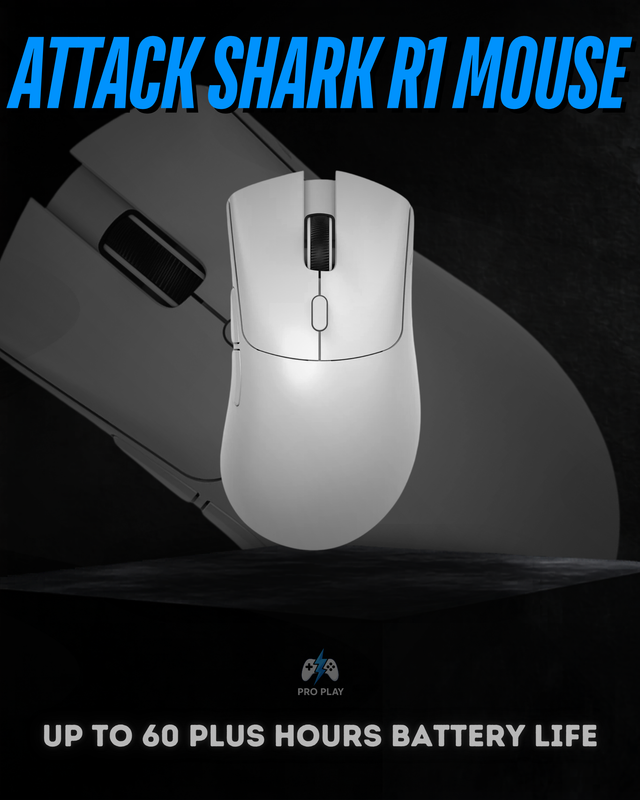
The Attack Shark R1 is the easier recommendation for buyers who want a lightweight wireless gaming mouse without paying for flagship hardware. It weighs around 59g and supports wired, 2.4GHz wireless and Bluetooth connections. The PAW3311 sensor supports up to 18,000 DPI, while the mouse is designed around a more conventional 1000Hz performance level. For most casual and even many competitive players, 1000Hz is already responsive enough. The R1 therefore makes more sense than paying extra for 4K or 8K polling if your monitor, CPU, game and personal skill level are unlikely to benefit from the higher rate.
3. Attack Shark X3 Pro — Best mid-range performance option
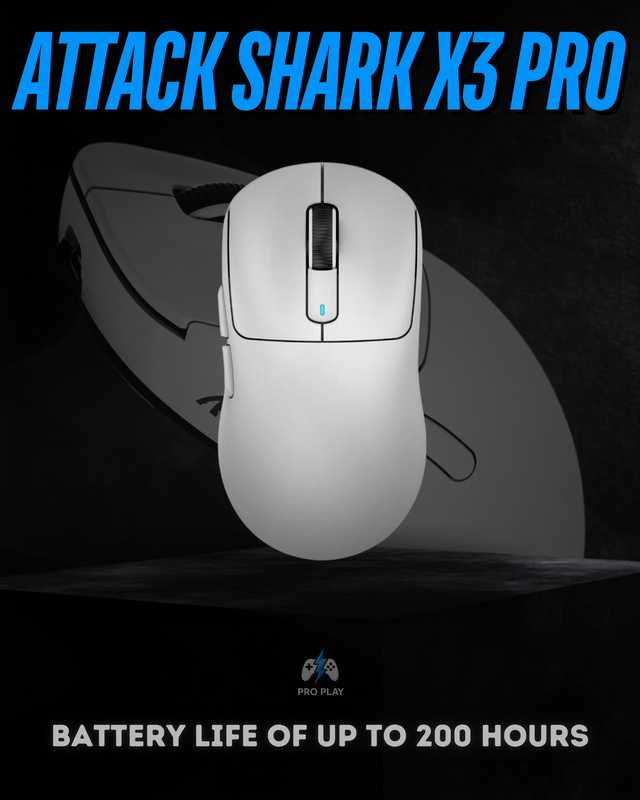
The Attack Shark X3 Pro sits between the value-focused R1 and newer flagship-class models such as the R6. It uses the PixArt PAW3395 sensor, weighs around 59g and supports tri-mode connectivity. According to the current ProPlay specification, it can operate at up to 4000Hz wirelessly with the included high-polling receiver and up to 8000Hz when wired. That makes it a strong option for someone who wants a proven high-end sensor and higher polling rates without jumping into the premium carbon-fiber or magnesium models.
4. Attack Shark X11 — Best if you want a charging dock
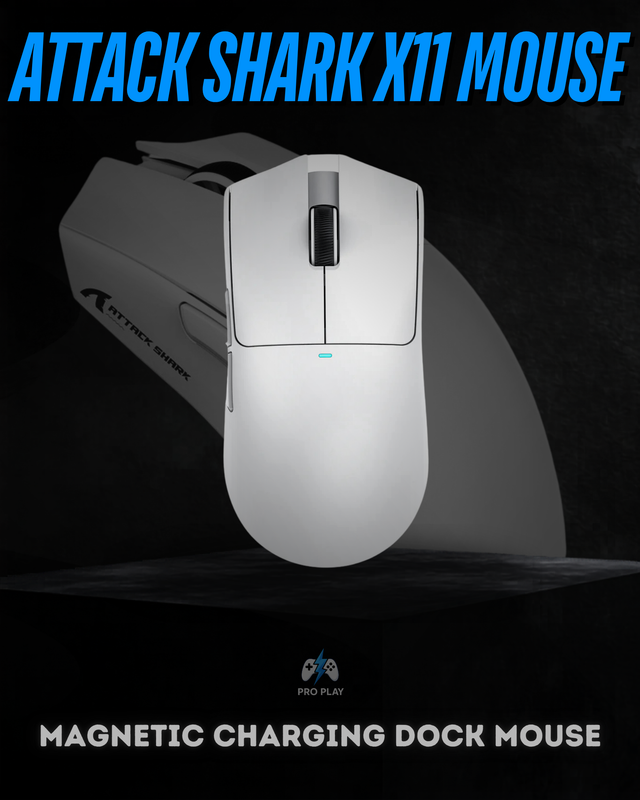
The Attack Shark X11 is less about chasing maximum specifications and more about convenience. It uses a PAW3311 sensor, weighs roughly 63g, supports wired, 2.4GHz and Bluetooth connectivity, and reaches up to 1000Hz polling. Its standout feature is the included magnetic RGB charging dock. That makes the X11 attractive for a clean gaming setup where you want the mouse to have a permanent charging position instead of connecting a cable every time the battery gets low. If raw competitive performance matters more than the dock, the Attack Shark R6 or Attack Shark X3 Pro is the better direction.
5. Attack Shark R5 Ultra — Best premium ultra-light option
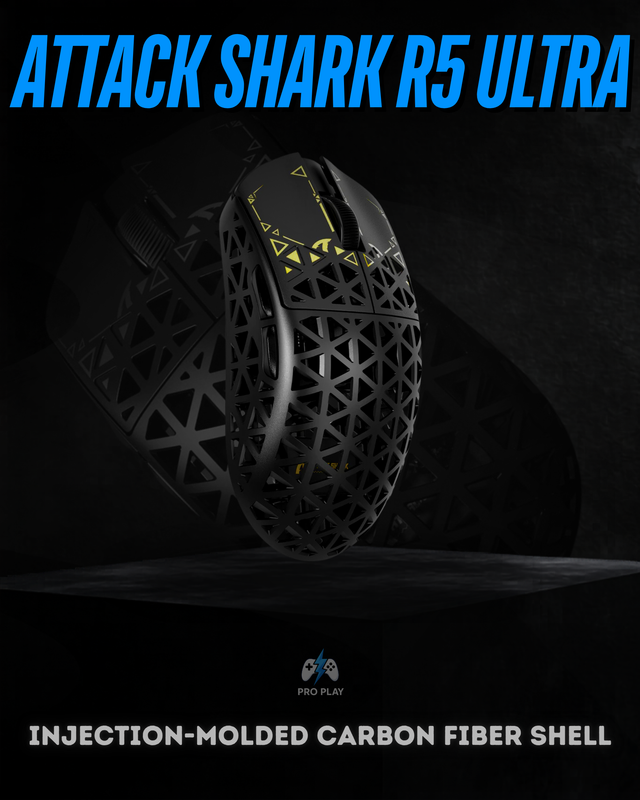
The Attack Shark R5 Ultra is aimed at buyers who specifically want a premium ultra-light mouse. Its carbon-fiber composite shell keeps the weight around 39g, while the PAW3950MAX sensor supports up to 42,000 DPI and polling rates up to 8000Hz. It also uses Omron microswitches rated for 100 million clicks. Compared with the R6, this is less about simply gaining another level of sensor performance and more about the shell material, construction and overall premium positioning.
6. Attack Shark R2 — Best premium build
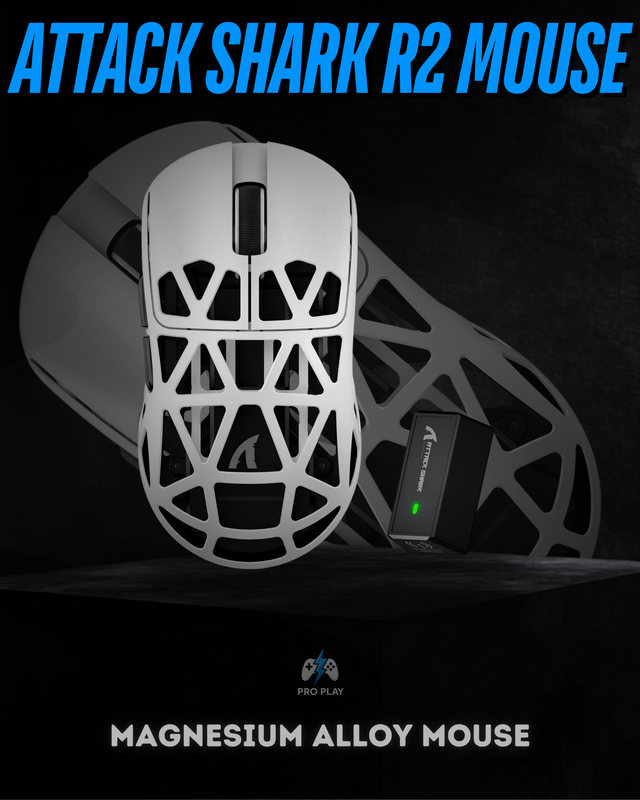
The Attack Shark R2 stands out because of its magnesium-alloy chassis. The R2 combines a PAW3950 sensor, up to 42,000 DPI and up to 8000Hz polling with a lightweight magnesium-alloy construction and Omron optical switches. This is the model to consider if build material and a premium lightweight feel matter to you as much as sensor performance. For most buyers, though, it is difficult to justify purely on performance-per-rupee when models such as the Attack Shark R6 already offer extremely strong hardware.
What actually matters when choosing an Attack Shark mouse?
- Shape and comfort: A technically superior mouse is still a bad purchase if the shape does not suit your hand and grip.
- Weight: Lighter mice generally make rapid movements easier, but not everyone prefers an extremely light 39g shell.
- Sensor: PAW3950MAX and PAW3950 sit above PAW3395 and PAW3311 in Attack Shark's current performance range.
- Polling rate: 1000Hz is sufficient for most players; 4000Hz and 8000Hz are more relevant to high-refresh competitive setups.
- Connectivity: 2.4GHz should be your primary wireless gaming mode; Bluetooth is more useful for general laptop use.
- Battery and charging: A charging dock can be more valuable in daily use than a specification you rarely notice.
- Budget: Do not pay for 8K polling simply because the number is higher.
Is 8000Hz always better than 1000Hz?
Technically, a higher polling rate allows the mouse to report its position to the computer more frequently. At 1000Hz, the theoretical interval is about 1ms. At 8000Hz, it falls to about 0.125ms. That does not mean an 8000Hz mouse automatically feels eight times faster. The real benefit depends on your CPU, monitor refresh rate, game engine, frame rate and sensitivity to latency. Higher polling rates can also increase CPU workload and battery consumption. We will explain this in detail in our upcoming guide to 1000Hz vs 4000Hz vs 8000Hz polling rates.
Which Attack Shark mouse should most buyers choose?
For most buyers looking for a strong competitive gaming mouse, we would start with the Attack Shark R6. If you want to spend less, the Attack Shark R1 gives you a lightweight tri-mode mouse without paying for features you may not use. For buyers who want a charging dock, the Attack Shark X11 is the more convenient choice, while the Attack Shark R5 Ultra and Attack Shark R2 make more sense for enthusiasts who specifically want premium materials and flagship hardware. You can compare the full current range on the Attack Shark mice page.