
The three mice target different priorities. The Attack Shark R1 is the value choice: light, wireless and equipped with a capable sensor without pushing into premium pricing. The X11 focuses on convenience through its magnetic RGB charging dock. The X3 Pro is the performance model, with a higher-end sensor and confirmed high polling-rate support. None is automatically best for every hand or setup, so the useful comparison is what each model gives you for the way you play.
| Model | Weight | Sensor | Polling rate | Connectivity | Charging dock | Best user |
|---|---|---|---|---|---|---|
| Attack Shark R1 | 59g | PAW3311, up to 18,000 DPI | Not stated in current record | Wired, 2.4GHz, Bluetooth | No | Value-focused wireless gaming |
| Attack Shark X11 | 59–63g | PAW3311, up to 22,000 DPI | Not stated in current record | Wired, 2.4GHz, Bluetooth | Yes, magnetic RGB dock | Convenient daily charging |
| Attack Shark X3 Pro | 59g | PAW3395, up to 26,000 DPI | Up to 4K wireless; up to 8K wired | Wired, 2.4GHz, Bluetooth | No | Competitive performance |
R1: Who should buy it?
The Attack Shark R1 is the straightforward value pick. At 59g it is light enough for quick movement, and its PAW3311 sensor is listed at up to 18,000 DPI. Tri-mode connectivity lets it work through a cable, 2.4GHz receiver or Bluetooth, which makes it useful for both a gaming PC and a second device. Buy it if you want an affordable wireless gaming mouse and do not need a dock or a confirmed 4K/8K specification. Shape and grip comfort should still come before DPI numbers.
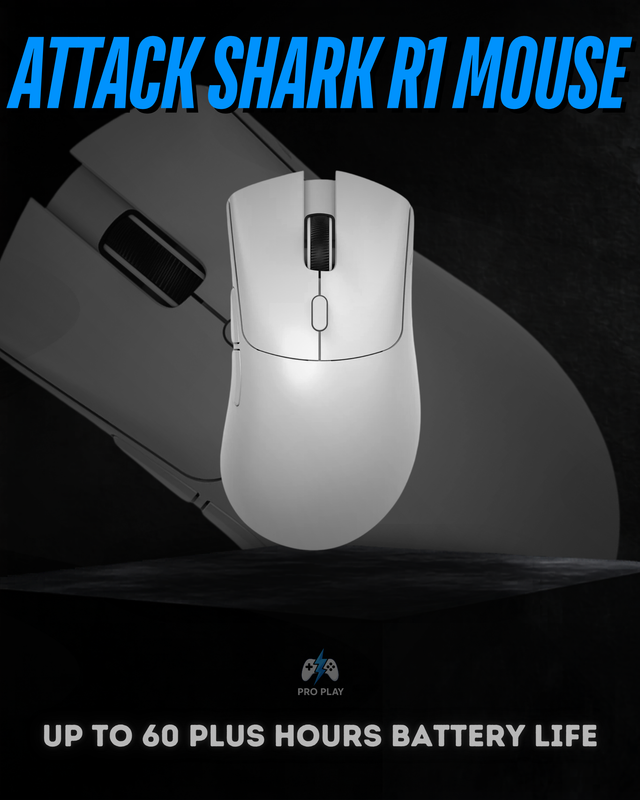 View Attack Shark R1
X11: Who should buy it?
The Attack Shark X11 is for someone who dislikes plugging in a charging cable. Its magnetic RGB dock gives the mouse a fixed place to rest and recharge, while tri-mode connectivity keeps it flexible. The current product record lists a PAW3311 sensor up to 22,000 DPI and a weight range of 59–63g. It is not the model to choose purely for the highest verified competitive specification; it is the model to choose when charging convenience and a cleaner desk setup are worth more to you.
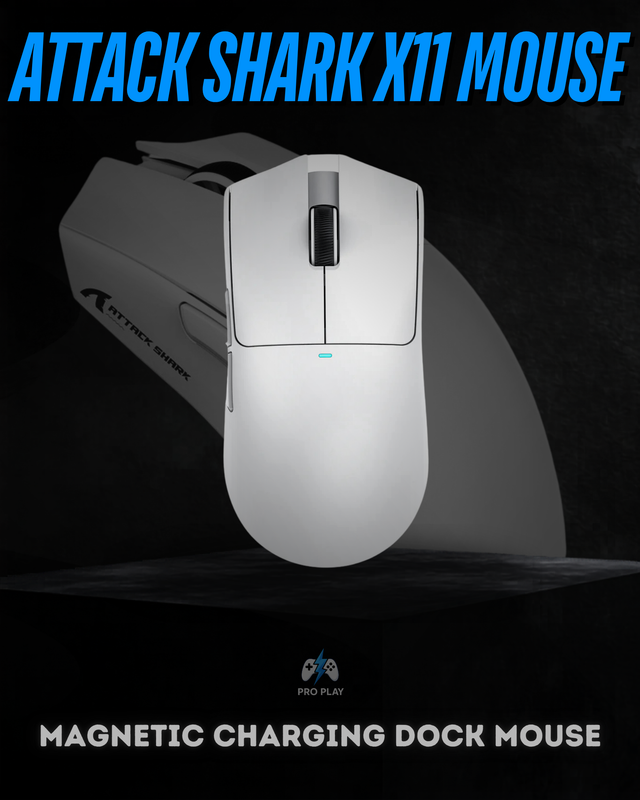 View Attack Shark X11
X3 Pro: Who should buy it?
The Attack Shark X3 Pro is the performance choice. Its PAW3395 sensor is listed at up to 26,000 DPI and 650 IPS, while the included 4K receiver supports up to 4,000Hz wirelessly; the current record also lists up to 8,000Hz in wired mode. It remains 59g and provides wired, 2.4GHz and Bluetooth connectivity. It makes the most sense for competitive players with a high-refresh display, high frame rate and enough CPU headroom to benefit from higher report rates. For general play, the sensor and shape matter more than simply selecting the maximum setting.
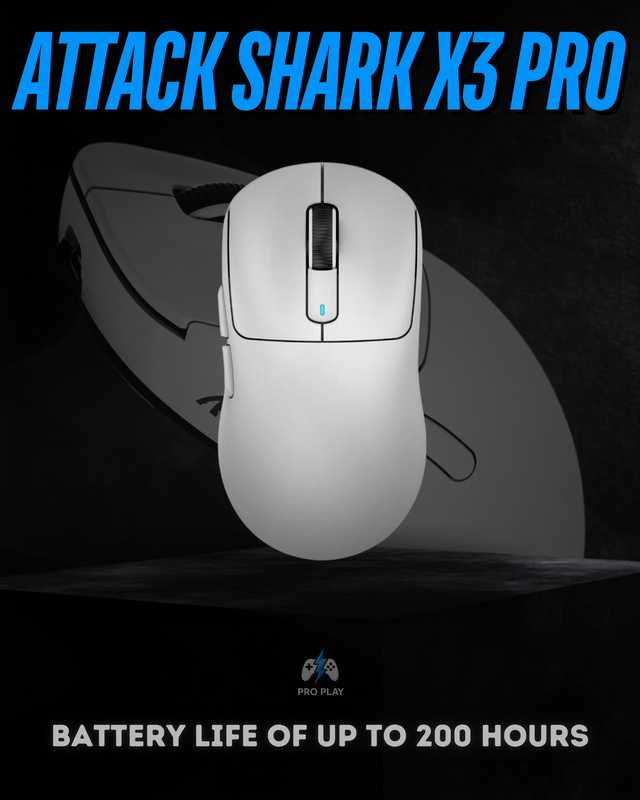 View Attack Shark X3 Pro Wireless Mouse
Before choosing: shape, charging and your PC
All three are light, but equal weight does not guarantee equal comfort. Grip width, hump position and button placement determine whether a mouse suits palm, claw or fingertip use. If you already know that one Attack Shark shape feels comfortable, treat that as stronger evidence than a small DPI difference. For a first gaming mouse, the R1 is the lower-risk value choice; for a desk where the mouse is used every day, the X11 dock removes charging friction.
Higher polling on the X3 Pro is most relevant with a high-refresh monitor, high and stable frame rate, and enough CPU headroom. On a typical setup, its PAW3395 sensor, low weight and stable 2.4GHz connection are more important than running the maximum rate. If you want to compare more value, lightweight and premium shapes, browse the Attack Shark mouse collection.
For more models and a broader shape-and-budget comparison, read Best Attack Shark Mouse in Pakistan.