
Polling rate is the number of times a mouse or keyboard can report its input to the computer every second. A 1,000Hz device can send up to 1,000 reports per second; a 4,000Hz device can send up to 4,000. Higher rates shorten the maximum time between reports, but they do not remove every other source of input delay.
The interval matters because an input may occur just after one report and wait for the next. However, sensor processing, switch debounce, the game engine, frame rendering and display refresh also contribute to what you finally see. Polling rate is one link in that chain, not a complete measurement of responsiveness.
| Polling rate | Maximum interval between reports |
|---|---|
| 125Hz | 8ms |
| 500Hz | 2ms |
| 1,000Hz | 1ms |
| 4,000Hz | 0.25ms |
| 8,000Hz | 0.125ms |
What changes when you move above 1,000Hz?
Moving from 125Hz to 1,000Hz reduces the theoretical interval by seven milliseconds, which is substantial. Moving from 1,000Hz to 4,000Hz saves at most 0.75ms, while 4,000Hz to 8,000Hz saves only another 0.125ms. That is diminishing return: the specification rises dramatically while the possible time reduction becomes smaller.
A higher rate can produce more frequent cursor positions and click reports. On a high-refresh monitor with a fast, stable game, that can make movement appear slightly more consistent. On a 60Hz display, or when frame times fluctuate, the improvement is much harder to isolate. Shape, sensor implementation and a stable wireless connection can have a greater practical effect.
When does 4,000Hz or 8,000Hz actually matter?
Monitor refresh rate is the first consideration. A 240Hz, 360Hz or faster display updates often enough to expose smaller timing differences more readily than a 60Hz or 75Hz screen. Frame rate must also remain high and consistent; a mouse reporting every 0.125ms cannot compensate for large rendering delays or stutter.
Competitive shooters benefit most because rapid aiming and repeated direction changes create many small input updates. Even there, the difference between 1K and 4K is subtle for many players. Higher polling also creates more USB and CPU work. On a weaker or heavily loaded system, maximum polling can produce less consistent frame times, which defeats its purpose.
Wireless battery consumption can rise because the mouse and receiver communicate more frequently. Some models support their highest rate only through a cable or a dedicated receiver. Always check the connection mode attached to the specification and lower the setting if a game stutters or battery life matters more than the theoretical improvement.
Using current gaming mice as examples
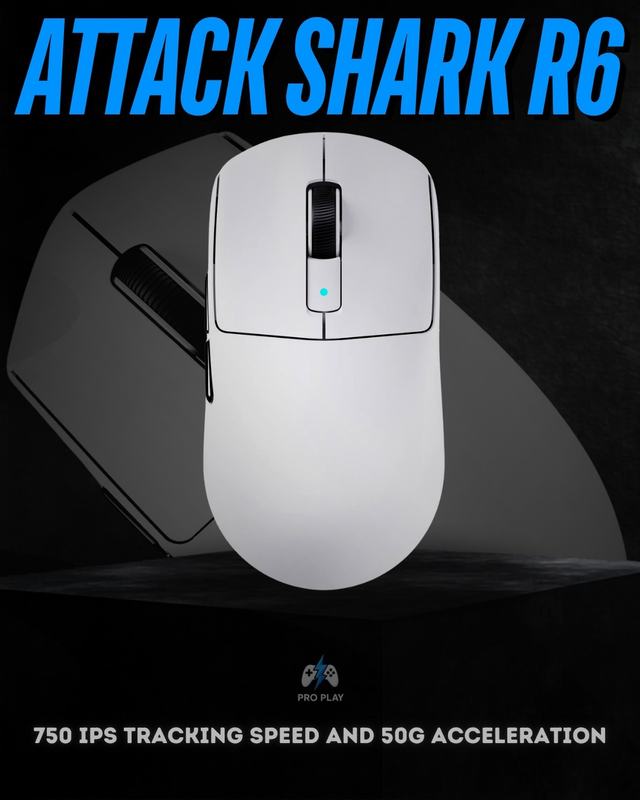
The current record for the value-focused Attack Shark R1 does not state a precise polling rate, so one should not be assumed. The Attack Shark X3 Pro lists up to 4,000Hz wirelessly with its 4K receiver and up to 8,000Hz wired. The Attack Shark R6 lists 8K wireless support alongside its PAW3950MAX sensor. Those features should still be considered with shape, weight, connection stability and price.
Practical rule of thumb
How to test a higher polling rate properly
Change one setting at a time and test the same game, mouse connection and graphics workload. Watch for uneven frame times, short stutters or faster battery drain rather than relying only on how the cursor feels on the desktop. If 4,000Hz is stable but 8,000Hz introduces inconsistency, the lower setting is the faster practical choice because smooth rendering matters more than the theoretical 0.125ms report interval.
Current products illustrate why the number needs context. The lightweight Attack Shark R6 lists a PAW3950MAX sensor and 8K wireless support. The Attack Shark X3 Pro lists 4K wireless and 8K wired modes. The value-focused Attack Shark R1 does not state an exact rate in its current record, yet its 59g weight, PAW3311 sensor and tri-mode connectivity can still make it the more sensible purchase for many users.
- Shape and grip: discomfort affects every movement, regardless of report interval.
- Sensor and implementation: stable tracking matters more than headline DPI.
- Weight: lower weight may help fast movement, but balance also matters.
- Wireless receiver placement: interference or distance can undermine performance.
- Battery life: very high wireless polling can require more frequent charging.
- 1,000Hz: enough for most users and modern gaming setups.
- 4,000Hz: useful for serious competitive setups with a high-refresh display and strong PC.
- 8,000Hz: enthusiast or esports-focused; test stability and battery impact rather than enabling it automatically.
Do not choose a mouse based only on polling rate. A comfortable shape, reliable sensor, suitable weight and stable connection affect every movement you make. Compare the wider collection of Attack Shark mice with those priorities in mind.