What layout does the AULA F87 Pro V2 use?
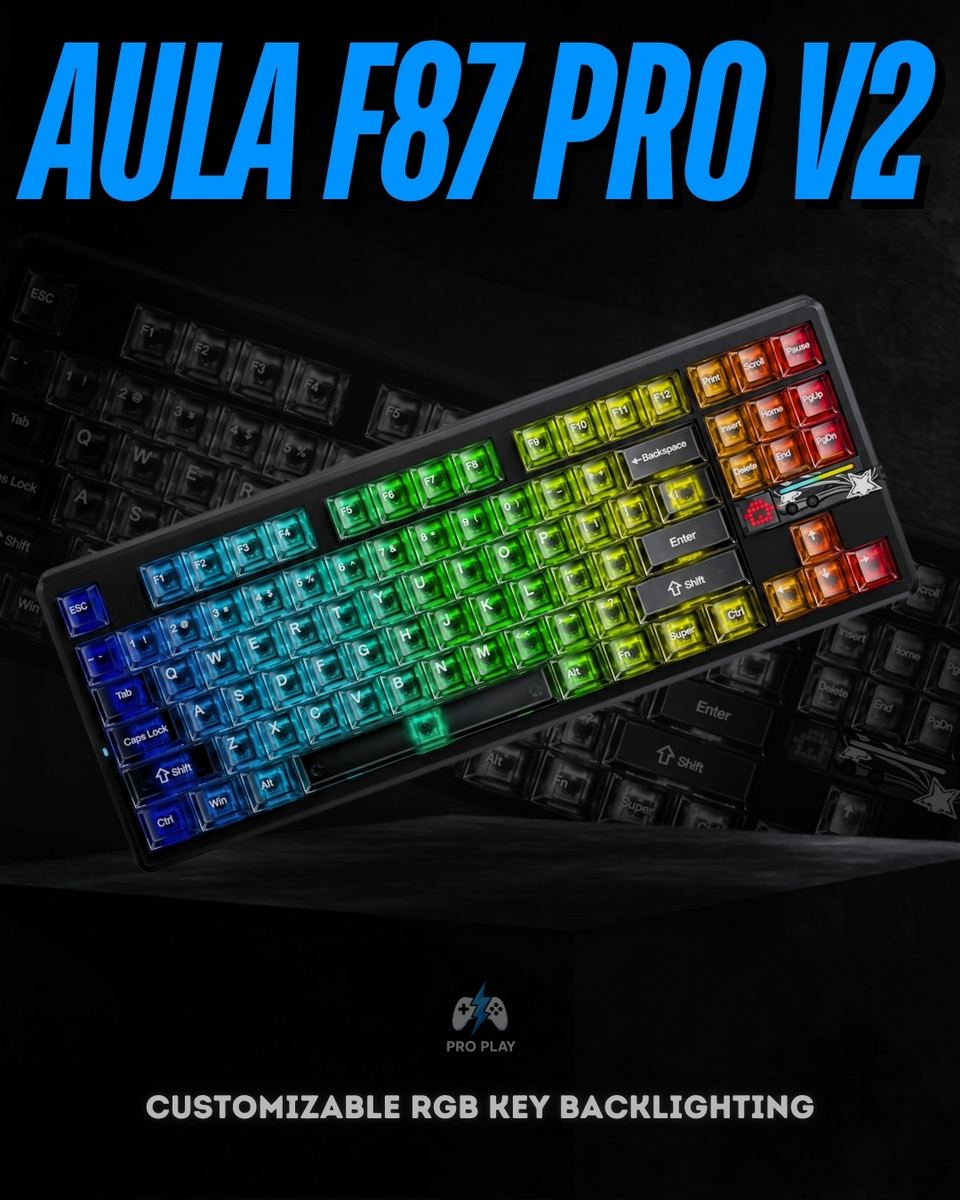
It uses an 87-key, 80% tenkeyless layout. You retain the function row, dedicated arrows and navigation keys while removing the number pad. This suits users who want familiar key placement with more room for their mouse.
Does every F87 Pro V2 support 8000Hz wireless polling?
No. AULA documents both 8+1K and 8+8K versions. Both support up to 8000Hz over USB, while their maximum 2.4GHz polling rates are 1000Hz and 8000Hz respectively. The version supplied with this listing needs confirmation before 8K wireless performance can be promised.
Does 8000Hz mean the keyboard has 0.125ms total latency?
No. At 8000Hz, the nominal interval between reports is 0.125ms. Total response time also involves switch detection, keyboard processing, the connection, software and display updates. The reporting interval should not be presented as independently measured end-to-end latency.
How can I identify the 8+1K and 8+8K versions?
AULA identifies the Bluetooth name AULA-F87Pro V2D with the 8+1K version and AULA-F87Pro V2C with the 8+8K version. These names help identify the polling configuration; they do not establish the installed switches or battery capacity.
Which connection modes are available?
The keyboard supports USB-C wired operation, 2.4GHz wireless through a USB receiver and Bluetooth. Use USB for a fixed wired setup, 2.4GHz for receiver-based wireless use, or Bluetooth with compatible devices. The 8K USB and 2.4GHz claims do not apply to Bluetooth.
Does every edition include the dot-matrix display and 223 LEDs?
No. Display hardware and ambient lighting differ across editions. Equipped versions offer a small RGB dot-matrix display with customizable animations and reactive effects, but the full display and 223-LED configuration should not be assumed from the F87 Pro V2 name alone.
Can I replace the switches?
Yes. Full-key hot-swappable sockets allow compatible mechanical switches to be changed without soldering. Check the replacement switches against the socket and plate requirements. Mechanical hot-swap support does not automatically include magnetic, optical or low-profile switches.
Which switches, keycaps and plate are included?
These depend on the supplied configuration and remain unconfirmed for this listing. The range includes multiple switch and keycap options, while AULA advertises polycarbonate, FR4 and carbon-fiber plate configurations. These are alternatives across the range, not components all included in one box.
What does the gasket mount do?
The gasket-mounted assembly provides cushioning between the typing assembly and housing. Internal acoustic materials help manage vibration and resonance. Final sound and feel depend on the installed switches, plate, keycaps and typing surface; the construction does not guarantee silent operation.
What is the battery capacity and runtime?
The supplied battery configuration needs confirmation. Published F87 Pro V2 material describes 10000mAh and 12000mAh options, so the higher figure should not be assumed for every unit. Capacity alone does not establish runtime, which also depends on polling rate, lighting, connection mode and usage.
Does it support software customization on Mac?
AULA documents a macOS keyboard mode and lists the F87 Pro V2 among its web-driver-supported models. However, typing compatibility does not guarantee that every configuration function works in every Mac browser. Exact software and browser requirements should be checked separately.
Is the F87 Pro V2 a Hall Effect keyboard?
No. It is a conventional mechanical keyboard. High polling rates and software functions such as SOCD do not make its switches magnetic or provide analog actuation adjustment. Hall Effect and Rapid Trigger features should not be assumed.

/15_20260417_080235_0014.png?width=400&height=500&quality=75&resize=cover)
.png?width=400&height=500&quality=75&resize=cover)
/4_20260417_080234_0003.png?width=400&height=500&quality=75&resize=cover)