Is the AULA F87 a 75% keyboard or a tenkeyless keyboard?
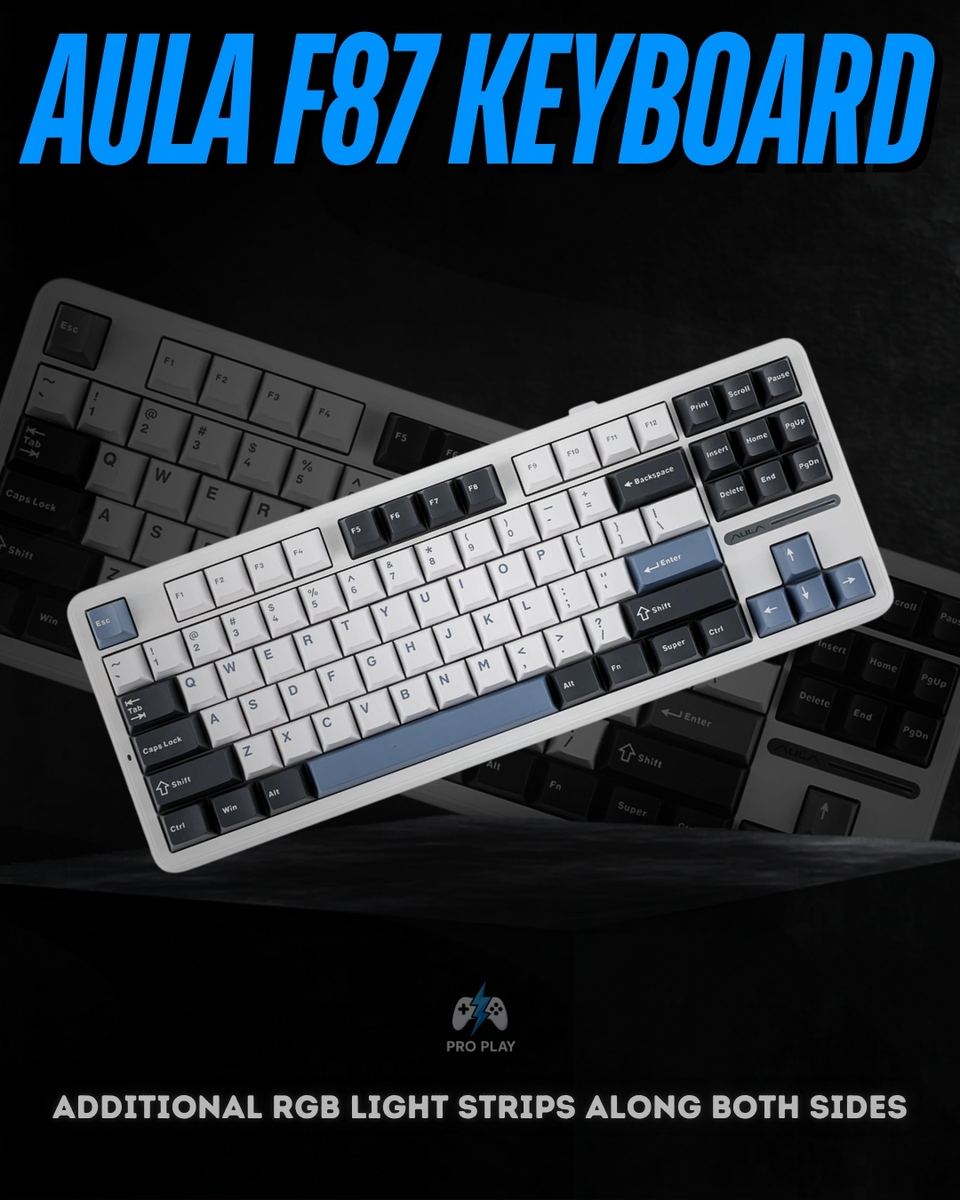
The F87 is an 87-key, 80% tenkeyless keyboard. It retains a separate navigation cluster, dedicated arrow keys and the function row, but removes the number pad. This provides more mouse space than a full-size keyboard without moving navigation functions onto secondary layers.
Does the AULA F87 have a volume knob?
No. The standard F87 shown in AULA's manufacturer documentation does not have a rotary knob. It uses keys and Fn shortcuts for additional functions.
What connection modes does it support?
The F87 supports USB-C wired operation, 2.4GHz wireless using the included receiver, and Bluetooth. Bluetooth is useful for compatible devices without a spare USB port, while the receiver provides a separate wireless connection option.
Which connection should I use for gaming?
USB-C is a practical choice for a fixed gaming setup because it avoids battery dependence and wireless interference. The 2.4GHz receiver is useful when you prefer a cable-free desk. Exact polling rates and measured latency are not confirmed for this listing.
Can I replace the switches without soldering?
Yes. The F87 has hot-swappable mechanical switch sockets. Disconnect and switch off the keyboard before changing switches, and check that replacements match its socket and plate requirements. Magnetic, optical and low-profile switches are not automatically compatible.
Which switches are installed?
The exact switch variant for this listing has not yet been confirmed. AULA offers different F87 switch configurations, so a specific switch name, actuation force or travel specification should be confirmed before ordering.
What do the gasket mount and five padding layers do?
The gasket mount cushions the internal assembly, while the slotted polycarbonate plate allows some flexibility. The padding helps manage vibrations and hollow case resonance. These features influence typing feel and sound, but do not make the keyboard silent.
What are the benefits of double-shot PBT keycaps?
The legends are formed through a two-shot molding process rather than simply printed on the surface. This helps them resist wearing away, while PBT provides a durable surface for regular typing.
How long does the 4000mAh battery last?
AULA estimates approximately 22 hours with the default lighting effect and approximately 266 hours with all lighting switched off. These are manufacturer estimates rather than independent test results. Connection mode, brightness and usage can change actual runtime.
Can I customize the RGB lighting?
Yes. AULA documents 16 onboard lighting modes, RGB side strips and additional sound-reactive effects through its software. Onboard lighting modes can be used without installing the configuration software.
Does it work with Mac computers and mobile devices?
AULA lists macOS, Android and iOS compatibility alongside Windows. Your device must support the selected connection method. Keyboard compatibility does not mean that AULA's configuration software runs on every supported operating system; software OS support remains unconfirmed.
Is this the F87 Pro V2 or a Hall Effect keyboard?
No. This listing is for the standard AULA F87 mechanical keyboard. Specifications belonging to the F87 Pro V2 or magnetic-switch keyboards, such as their polling rates, battery capacities or Rapid Trigger functions, should not be assumed to apply.
What is included in the box?
The listed package contains the F87 keyboard, a USB-C cable, a 2.4GHz receiver, a keycap and switch puller, two spare switches and a user manual.

/15_20260417_080235_0014.png?width=400&height=500&quality=75&resize=cover)
.png?width=400&height=500&quality=75&resize=cover)
/4_20260417_080234_0003.png?width=400&height=500&quality=75&resize=cover)