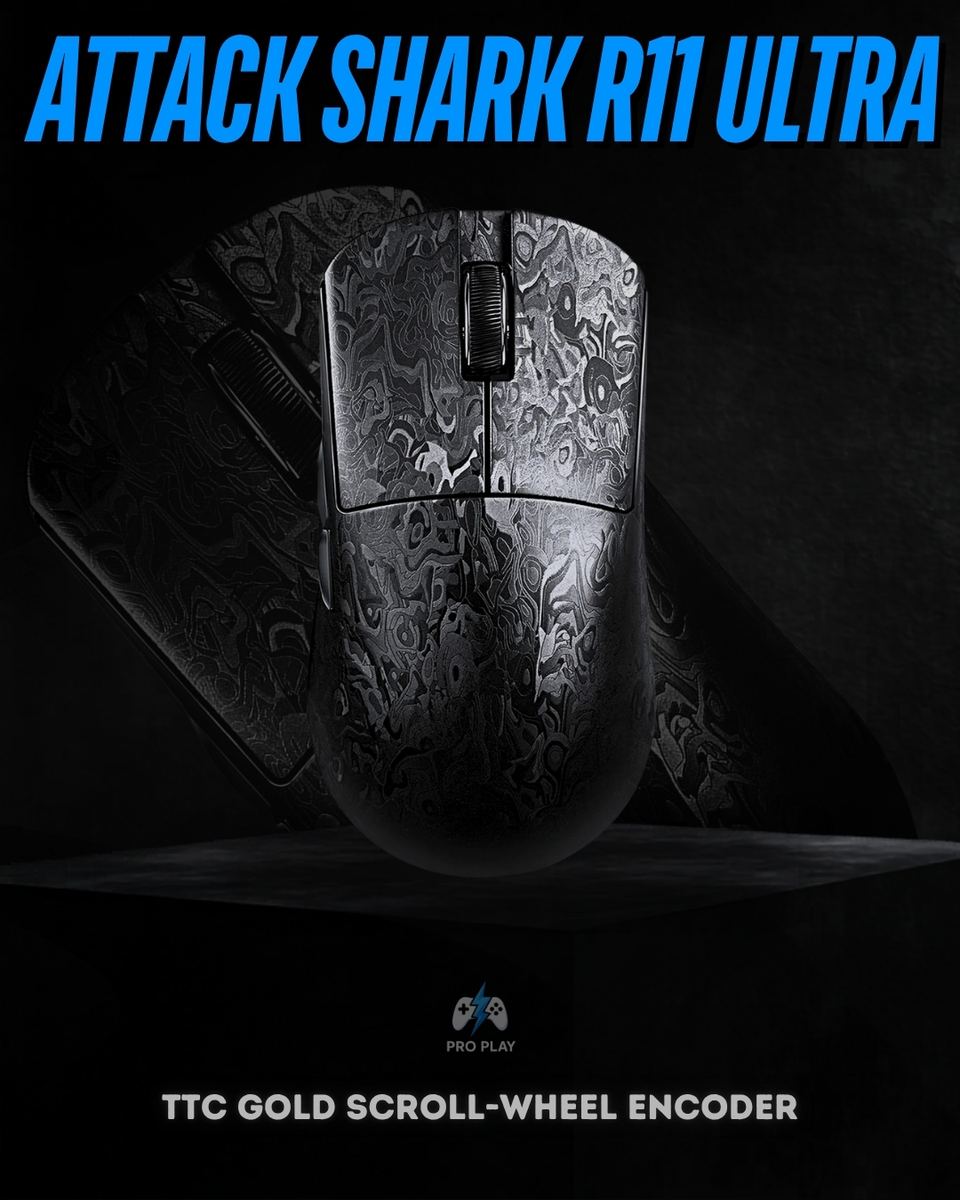
What makes the Attack Shark R11 Ultra different from a standard wireless mouse?
The R11 Ultra combines a 49 ± 3g carbon fiber composite body with a PixArt PAW3950MAX sensor, up to 8,000Hz wireless polling and Omron optical main switches. It also offers three connection modes, a TTC Gold scroll-wheel encoder and software configuration.
Does the Attack Shark R11 Ultra support 8K wireless polling?
Yes. Attack Shark specifies wireless polling rates up to 8,000Hz through its supported 2.4GHz wireless setup. Bluetooth is a separate connection mode. The advertised wireless 8K specification should not be interpreted as confirmation of 8K operation in every connection mode.
What does an 8,000Hz polling rate mean?
An 8,000Hz polling rate allows the mouse to report input up to 8,000 times per second, giving a reporting interval of 0.125 milliseconds. That interval is not the same as total input latency, which also depends on the computer, game and display.
What sensor does the R11 Ultra use, and do I need to use maximum DPI?
It uses the PixArt PAW3950MAX optical sensor, rated for up to 42,000 DPI, 750 IPS tracking speed and 50G acceleration. You do not need to use the maximum DPI. Choose a sensitivity that works with your mousepad space, preferred aiming style and in-game settings.
What is Hunting Shark mode, and does 20,000 FPS refer to game performance?
Attack Shark associates Hunting Shark mode with a sensor scan rate of 20,000 FPS. This describes the sensor's scanning operation, not your game's rendered frame rate. It is also separate from the mouse's USB or wireless polling rate.
Is the R11 Ultra suitable for competitive FPS gaming?
Its low weight, high tracking specifications and 8K wireless polling make it a relevant option for competitive FPS setups. Whether it suits you depends on its shape, your grip and your preferred sensitivity. These specifications do not guarantee improved aim or competitive results.
How large is the R11 Ultra, and which grip should I use?
The R11 Ultra measures 124 × 65.5 × 38mm and weighs 49 ± 3g. Compare its dimensions with a mouse you already find comfortable. Palm, claw and fingertip suitability varies with hand size and personal preference; the same shape will not suit every player equally.
What switches and scroll-wheel encoder does the R11 Ultra have?
The supplied specifications and current global product listing identify Omron optical main switches rated for 100 million clicks and a TTC Gold scroll-wheel encoder. The click rating is a manufacturer durability specification rather than a guaranteed service life.
Can the R11 Ultra connect through Bluetooth and a USB cable?
Yes. It supports Bluetooth 5.2, 2.4GHz wireless and USB-C wired connectivity. This gives you a choice between a receiver-based wireless setup, a Bluetooth connection and direct wired use. Charging is through USB-C.
Can I configure the R11 Ultra without installing desktop software?
Attack Shark provides a web driver as well as downloadable software for the R11 Ultra. Use the official model-specific driver links and check their browser and connection requirements before configuring the mouse.